Getting started
New to CashBooks? Start here
Browse by topic
Explore the guides
- Getting startedCreate an account, set up your company and learn your way around.9 guides
- Account and securityVerification codes, passwords, logging out and sign-in problems.5 guides
- Dashboard and insightsKey figures, cash flow, tasks, documents and workflows.7 guides
- BankingBank feeds, categorization, rules, receipts and statement uploads.6 guides
- AccountingChart of accounts, reconciliation, registers and journal entries.8 guides
- ReceivablesCustomers, invoices, estimates, deposits, and products and services.9 guides
- PayablesVendors, bills and expenses, and paying what you owe.6 guides
- Create NewStep-by-step help for every transaction in the Create New menu.29 guides
- Reports and planningStandard and accountant reports, budgets and forecasts.6 guides
- Imports and integrationsImport customers, vendors, accounts and transactions from files.4 guides
- Accountant toolsClose books, write-offs, bulk void, reclassify and the Review Engine.41 guides
- Settings and administrationCompany settings, users, billing, lists and the audit log.20 guides
Account and security
Signing in to the new CashBooks
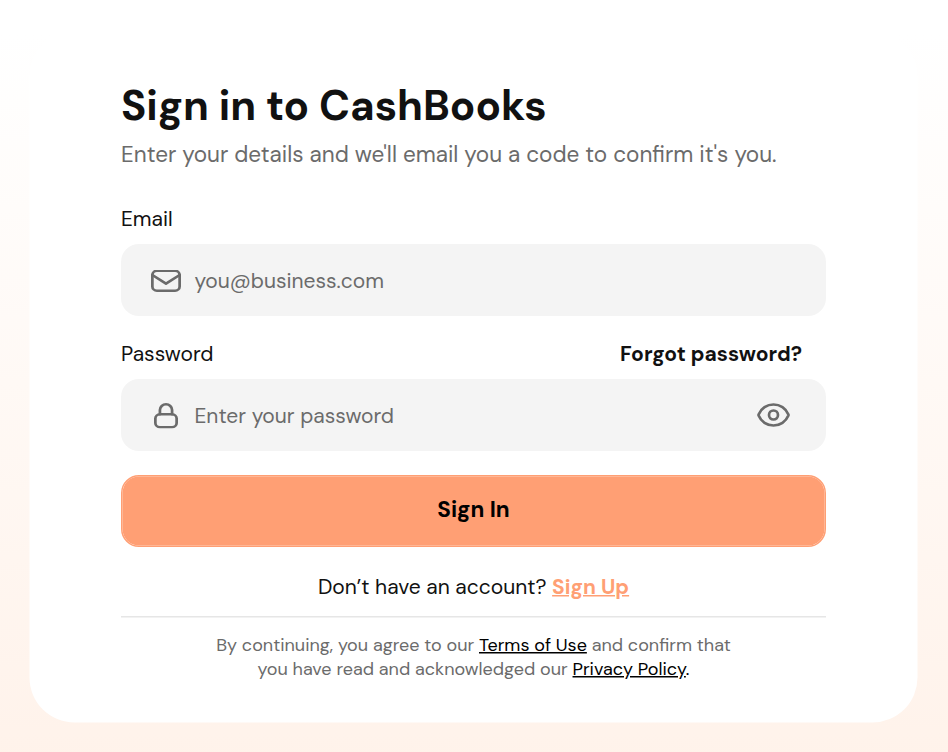
CashBooks now confirms every sign-in with a 6-digit code sent to your email. These guides cover each step, from your password to choosing a company.
Popular
Frequently used guides
Still need help?
Check the troubleshooting guides for error messages and quick answers, or contact CashBooks support with the exact message you see.